Record and playback with roles and environments
Re-record the same flow for different users, roles, environments and devices, convert it, and drive it from Claude Code skills.
How to record one flow several times as different pool users, against different environments and device profiles, how to keep those recordings organised, how conversion produces a single data-driven feature, and which Claude Code skills package the routine.
Why re-record
A checkout looks different for a standard user, a locked-out user and an admin; it also differs on a phone. Recording each variant with a leased pool user gives you honest fixtures for every role without hand-editing logins.
One flow, many recordings
Record as a standard user on staging
bun run sdods record -p demo-shop -e staging --user standard --name checkoutRecord as a problem user
bun run sdods record -p demo-shop -e staging --user problem --name checkout-problemThe pool leases problem_user, applies its cached storage state (capturing it first if needed), and codegen starts logged in.
Record against local
bun run sdods record -p demo-shop -e local --user standard --name checkout-localBase URL, locale and timezone come from envs/local.yaml; the spec still uses route names, so it runs on staging too.
Record on a phone profile
bun run sdods record -p demo-shop -e staging --user standard --device "iPhone 15" --name checkout-mobile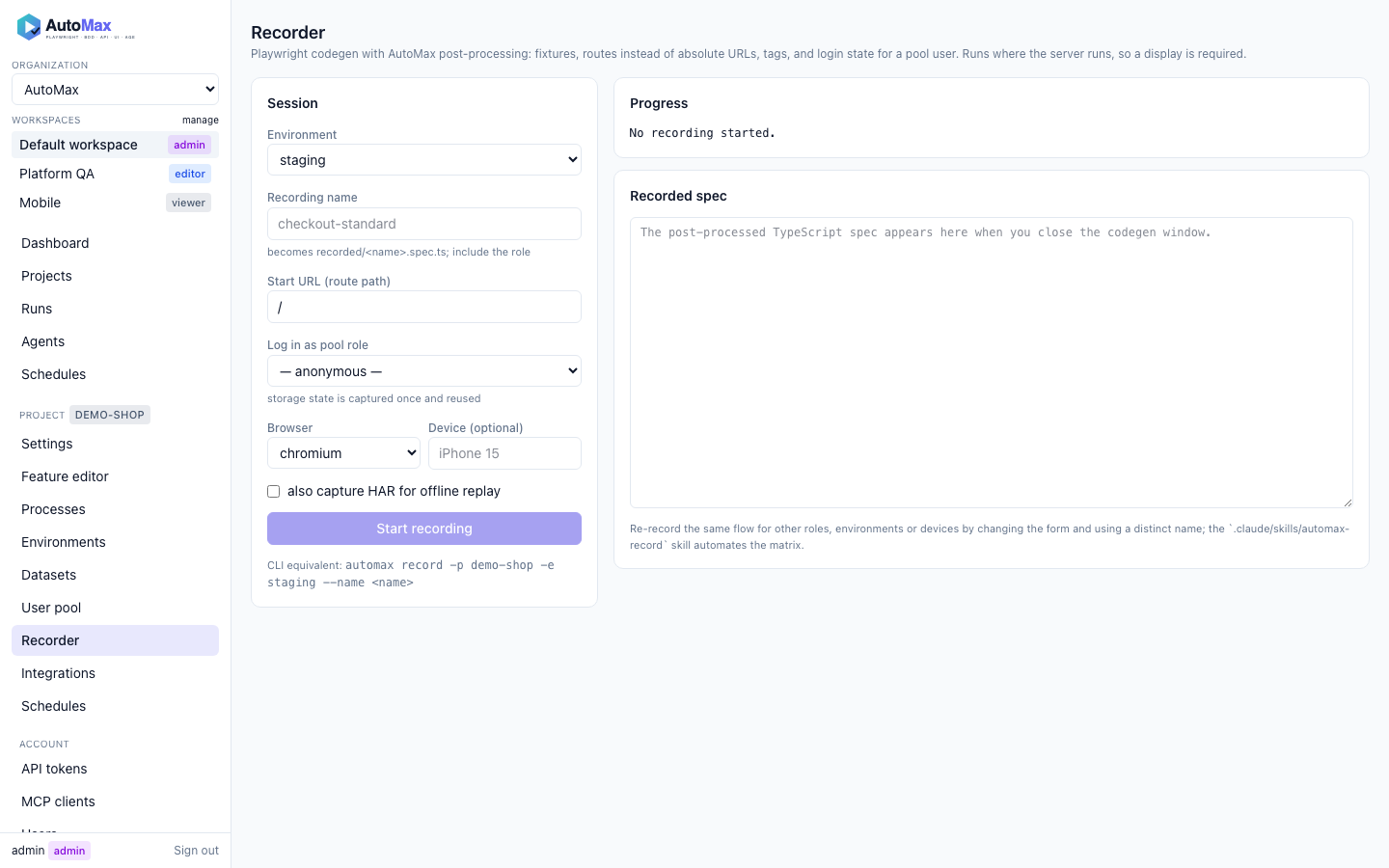
Run the recordings
bun run sdods run -p demo-shop -e staging -l recorded
bun run sdods run -p demo-shop -e local   -l recorded
bun run sdods run -p demo-shop -e staging -l recorded --device "iPhone 15"
Convert into one data-driven feature
bun run sdods record convert projects/demo-shop/recorded/checkout.spec.ts projects/demo-shop/recorded/checkout-problem.spec.tsWhen several recordings share a flow, the generator proposes a Scenario Outline whose examples carry the role, and uses Given I use a leased user with role "<role>" so the feature keeps working as the pool changes:
@ui @regression @pool
Feature: Checkout
  Scenario Outline: <role> completes checkout
    Given I use a leased user with role "<role>"
    And I am on the inventory page
    When I add "{{defaultProduct}}" to the cart
    And I check out with "{{firstName}}" "{{lastName}}" "{{postalCode}}"
    Then I should see the text "<outcome>"
    # title-format: <role> → <outcome>
    Examples:
      | role     | outcome                       |
      | standard | Thank you for your order!     |
      | problem  | Error: Last Name is required  |
Review the proposal, then sdods proposals accept <id>.
Claude Code skills
Two reusable skills ship with the repository so an assistant can run this routine end to end:
.claude/skills/sdods-record/SKILL.md— records a flow for a given project, environment, role and device, post-processes it, runs it once and opens a conversion proposal.claude/skills/sdods-run/SKILL.md— runs a project by tag, layer, browser or process, reads the summary and the run directory, and reports failures with their before/after screenshots
Invoke them in Claude Code with /sdods-record and /sdods-run, or, from other MCP clients, call the run_tests tool (recording itself is the sdods record command; there is no MCP recording tool).