The web UI
What the SDODS web application offers and how it relates to the CLI.
What each page of the web application does, which role can do what, and why the UI never does anything the CLI cannot.
Start it
The command depends on how SDODS got onto the machine, not on your operating system — the CLI is identical on macOS, Linux and Windows.
sdods users create --admin --username admin --password '<at least 8 chars>'
sdods serve --open
The UI is at http://127.0.0.1:4444. --open launches your browser. On Windows the same commands
work in PowerShell and in cmd; inside WSL, use the Linux form rather than the PowerShell one.
The first user
On a database with no users, serve prints a one-time setup URL:
ℹ First run: create the admin at http://127.0.0.1:4444/setup?token=<token> (or: sdods users create --admin --username <name> --password <pw>)Open it and fill the form, or use sdods users create — whichever suits. The browser path is the
one to hand someone who should never touch a terminal. If you lose the token, restart serve to
print a new one, or paste it into the field on /setup.
--admin makes a platform admin and owner of every organization without one. Add more people with
--role viewer|editor|admin, and scope them with
sdods users grant <username> --workspace <slug> --role editor.
Run users create and serve from the same workspace root. The platform database is
<workspace>/.sdods/sdods.db, and each command walks up from the current directory to find the
workspace. Run them in different places and you create the admin in one database while the server
reads another — the sign-in then fails with entirely correct credentials. SQLITE_PATH pins both
to one file if you want to be certain.
Signing out clears the session on the server and every cached query in the browser, so nothing
from one session is readable in the next on a shared machine. If a session ends while the app is
open — it expires, an admin runs sdods users deactivate, or a token is revoked — the next request
returns you to the sign-in form rather than leaving a half-loaded page behind.
If it does not start
| Symptom | Cause | Fix |
|---|---|---|
Port 4444 is already in use | another serve, or the desktop app | sdods serve --port 4445 |
| A page saying the web UI is unavailable | a clone with no built bundle | bun run web:build, then restart |
| Sign-in fails with the right password | two different .sdods/sdods.db files | run both commands from one workspace root |
An unexplained TypeError from a dependency | Node older than 22 | node -v, then nvm use 22 or fnm use 22 |
sdods: command not found after installing | a version manager owns Node, and the global install belongs to a different version | re-install, or use the installer's bun path |
| Forgot the admin password | no other admin can reset it from the Users page | sdods users set-password <username> --password '<new>' |
/setup says the setup token is invalid | the token is minted when serve starts, and users were removed after that | restart serve and use the new link |
sdods doctor reports Node, bun, browsers, projects, environment variables and the database in one
pass.
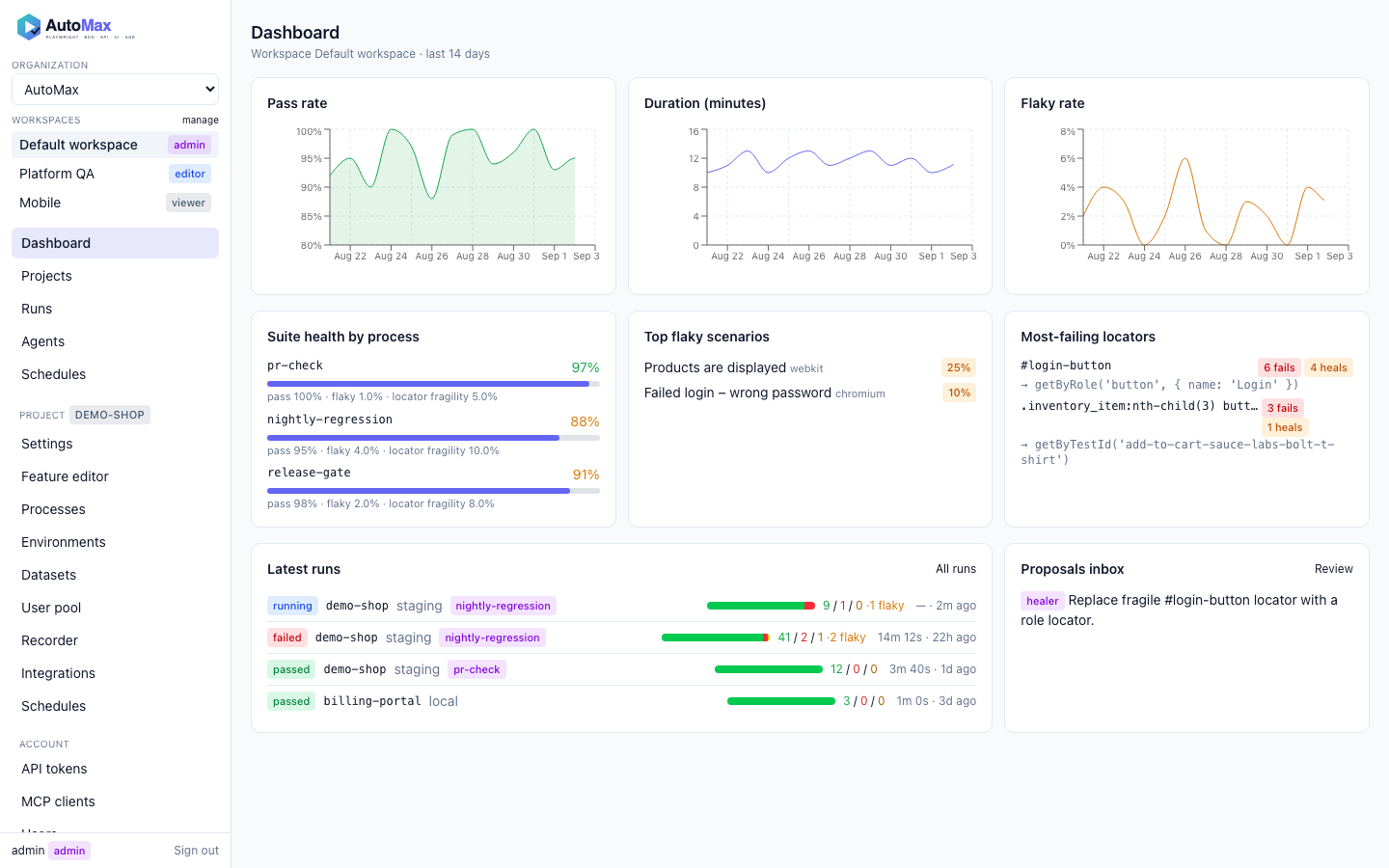
The server is a Fastify application. It spawns the same sdods commands you run by hand and streams their logs over Server-Sent Events, so a run started from a browser looks exactly like one started from a terminal.
Reinstall or reset
Three levels, from the lightest to a clean machine. Stop sdods serve first, and run every command
from the workspace root — the same rule as creating the first user.
| Level | Keeps | Removes | Command |
|---|---|---|---|
| Users reset | projects, runs, schedules, organizations | every user, session, API token and membership | sdods users reset --yes |
| Factory reset | your project files (features, steps, envs) | the whole platform database: users, runs, schedules, history | sdods db reset --yes, or delete .sdods/ |
| Reinstall | your workspaces | the sdods command itself | uninstall, then install |
After a users reset or a factory reset, start serve again: with no users it prints a new one-time
/setup link, exactly as on the first run. To keep a copy of the database before a factory reset,
run sdods db export ./sdods-backup first; sdods db import ./sdods-backup brings it back.
Reset the users only:
sdods users reset --yesOr reset everything the web UI stores:
sdods db reset --yesdb reset drops the database tables; run artifacts under .sdods/runs/ stay on disk. For a truly
empty start, delete the whole state folder instead — it holds the database (sdods.db with its
-wal and -shm files), runs, leases and agent jobs, and is recreated on the next start:
rm -rf .sdodsThen start again and open the printed /setup link:
sdods serve --openTo reinstall the CLI itself, uninstall and install again. Your workspaces are not touched.
curl -fsSL https://sdods.com/install.sh | sh -s -- --uninstall --yescurl -fsSL https://sdods.com/install.sh | shOn Windows, in PowerShell:
& ([scriptblock]::Create((irm https://sdods.com/install.ps1))) -Uninstall -Yesirm https://sdods.com/install.ps1 | iexsdods db reset works on SQLite only. On Postgres (DB_DRIVER=postgres), drop and recreate the
database yourself; sdods users reset works on both.
To regain access without resetting anyone else, set a new password instead. It signs that user out
everywhere, and --activate re-enables an account that was deactivated:
sdods users set-password admin --password '<at least 8 chars>' --activatePages
| Page | What it does |
|---|---|
| Dashboard | pass-rate, duration and flaky trends; most-failing locators; latest runs; proposals inbox |
| Projects | the project YAML as a form: layers, browsers, tag policy, screenshot policy, integrations, MCP servers |
| Environments | base URLs and non-secret settings; secret names shown with a presence indicator |
| Datasets | upload CSV, JSON or YAML, preview the first rows, choose file or database storage |
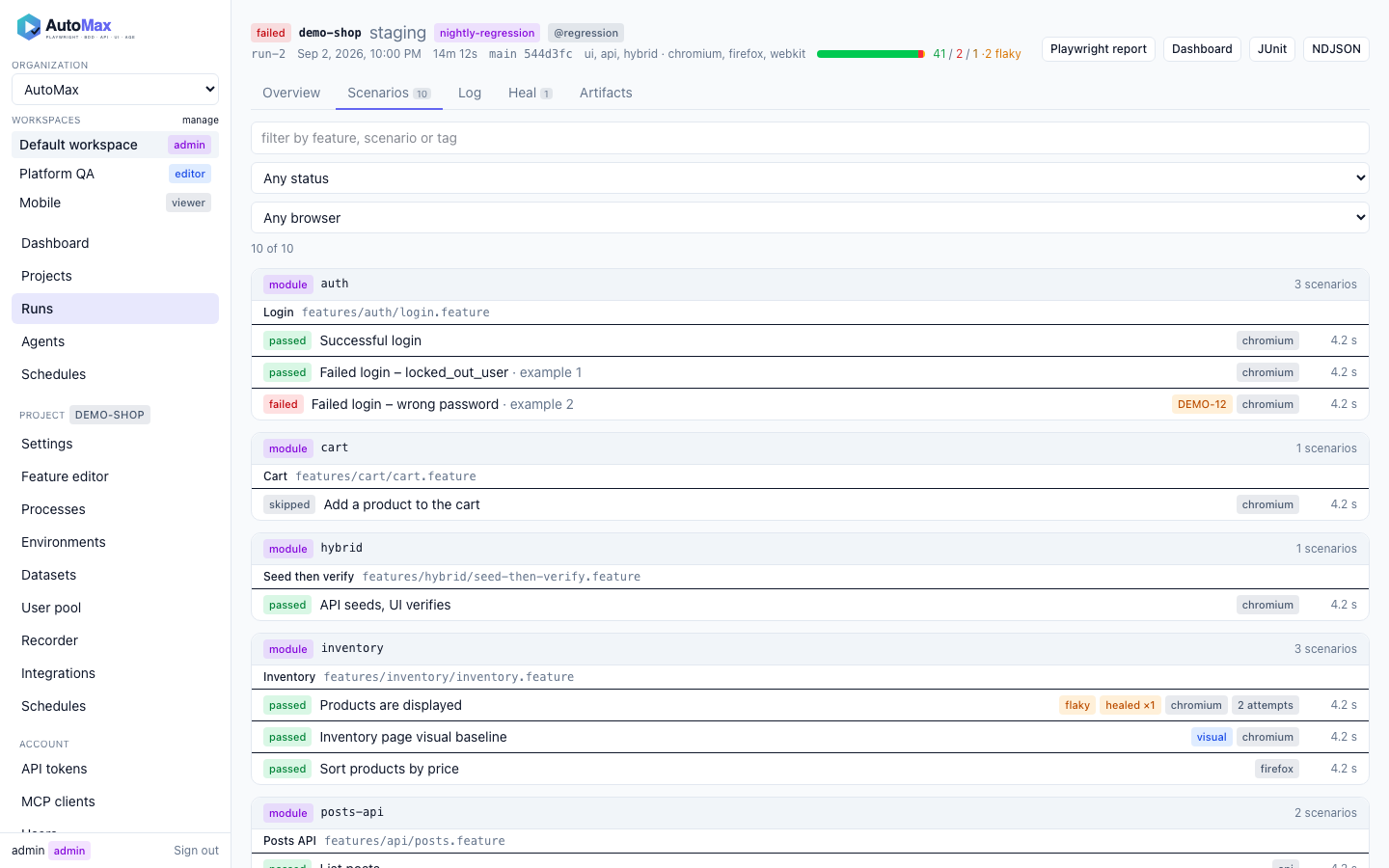
| Runs | filterable list, live log, scenario tree, step timeline with before/after comparison and API panels |
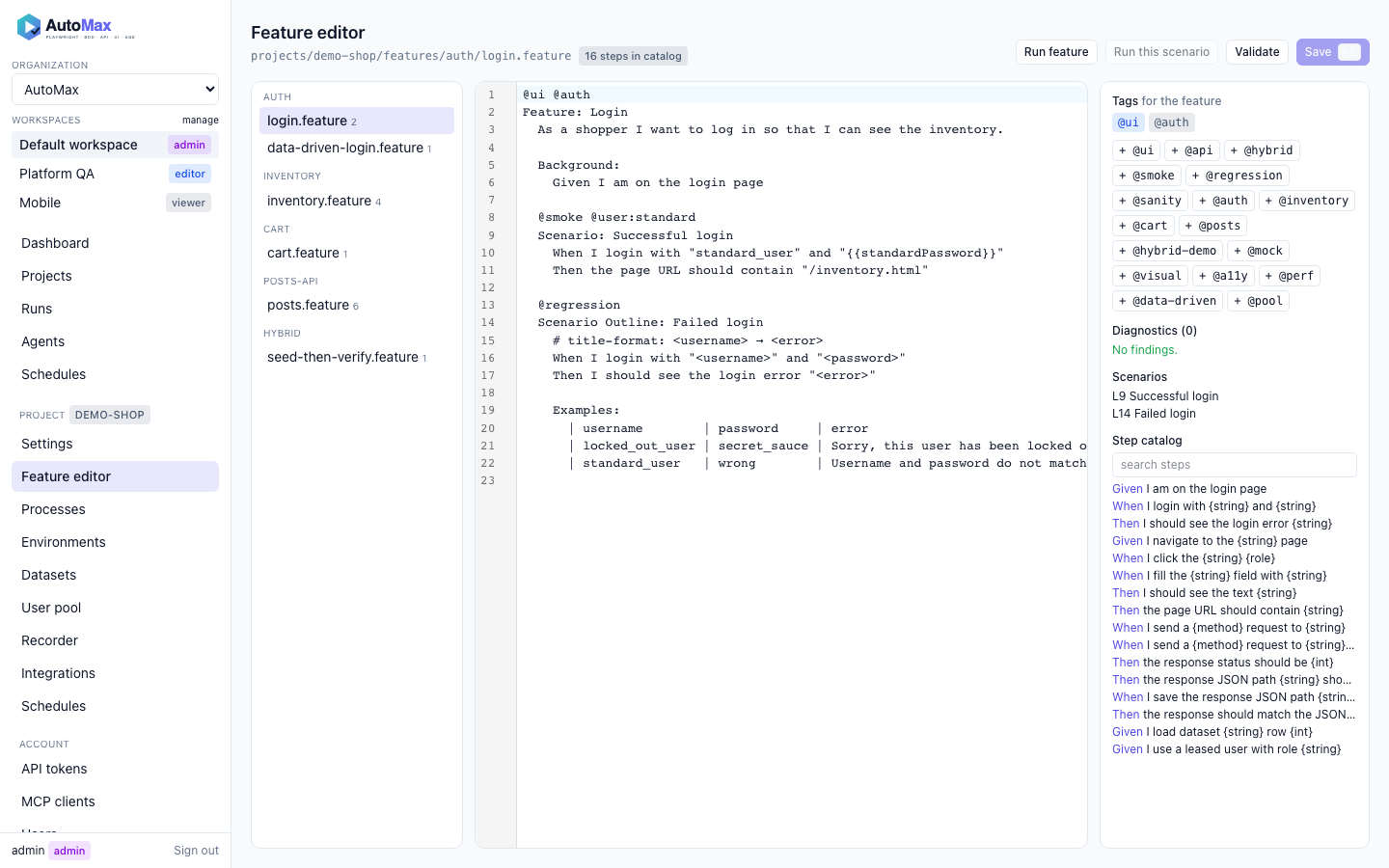
| Feature editor | Gherkin editing with step completion from your project, lint diagnostics, run this scenario |
| Recorder | record a session as a pool user, save the spec, convert it with an agent |
| Agents | start a role, watch it work, review the diff, accept or reject |
| Integrations | GitHub and Jira settings, connection tests, MCP servers the project consumes |
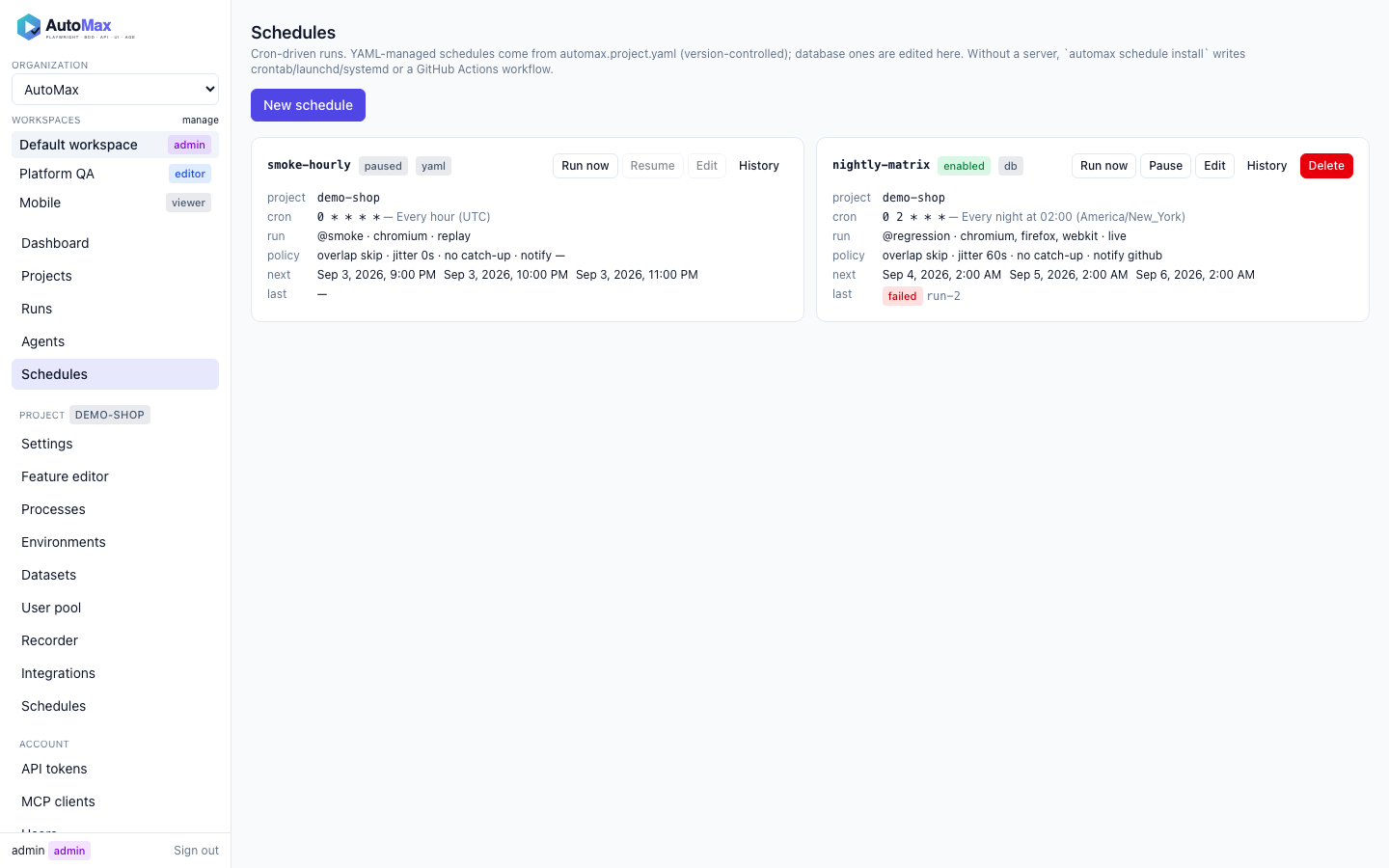
| Schedules | cron builder with the next fire times, history, pause and resume |
| Users | create accounts, set platform roles and display names, deactivate |
| Settings | your profile, password and sessions, preferences, free scoped API tokens, MCP client install snippets |
Your account
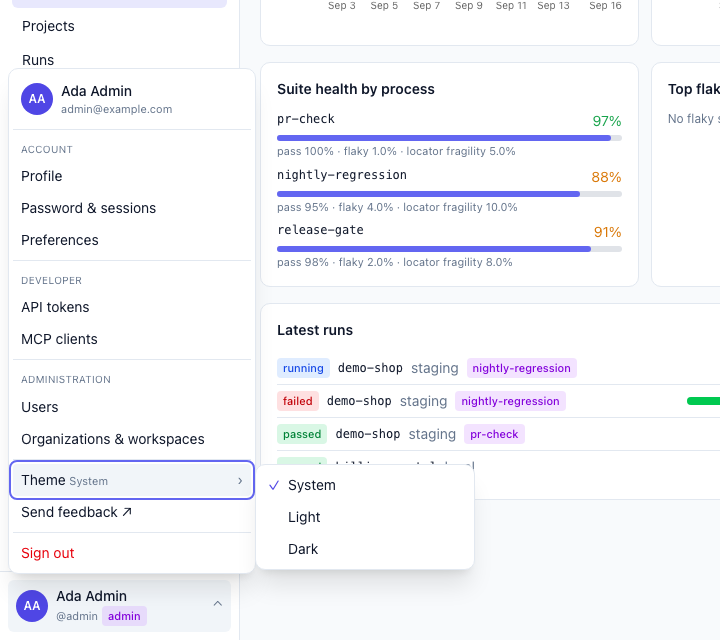
The avatar at the foot of the sidebar opens the account menu: your profile, password and sessions, preferences, API tokens and MCP clients, the admin pages when you are an admin, the theme (system, light or dark) and Sign out.
| Settings tab | What you can change |
|---|---|
| Profile | display name and email; shows your username, platform role, memberships, last sign-in and when you joined |
| Password & sessions | change your password (needs the current one); list signed-in browsers and sign out one of them or all others |
| Preferences | theme, and the organization, workspace and project the app opens on (saved in this browser) |
| API tokens | create, copy once and revoke scoped tokens |
| MCP clients | the endpoint, its tools and install snippets for each client |
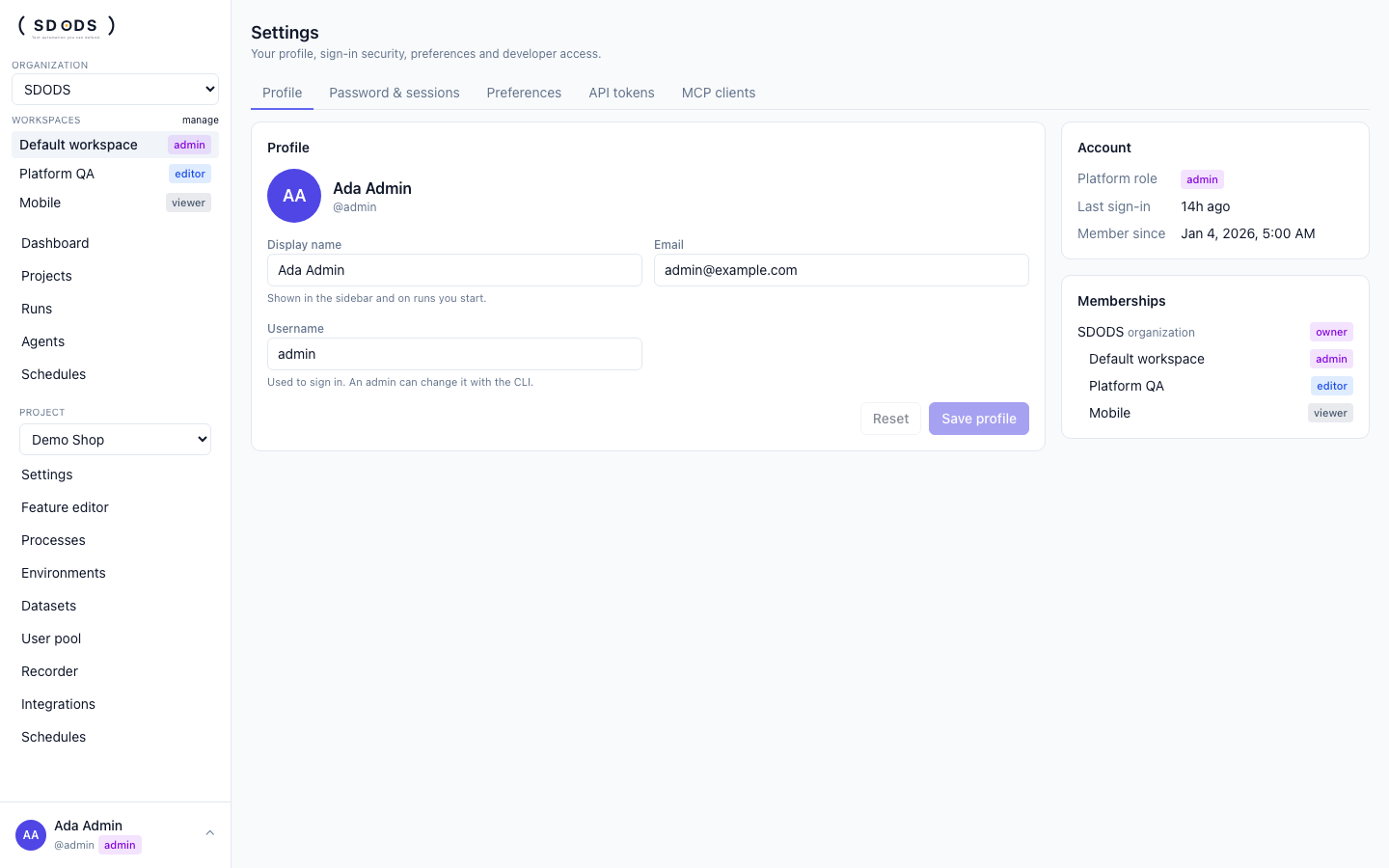
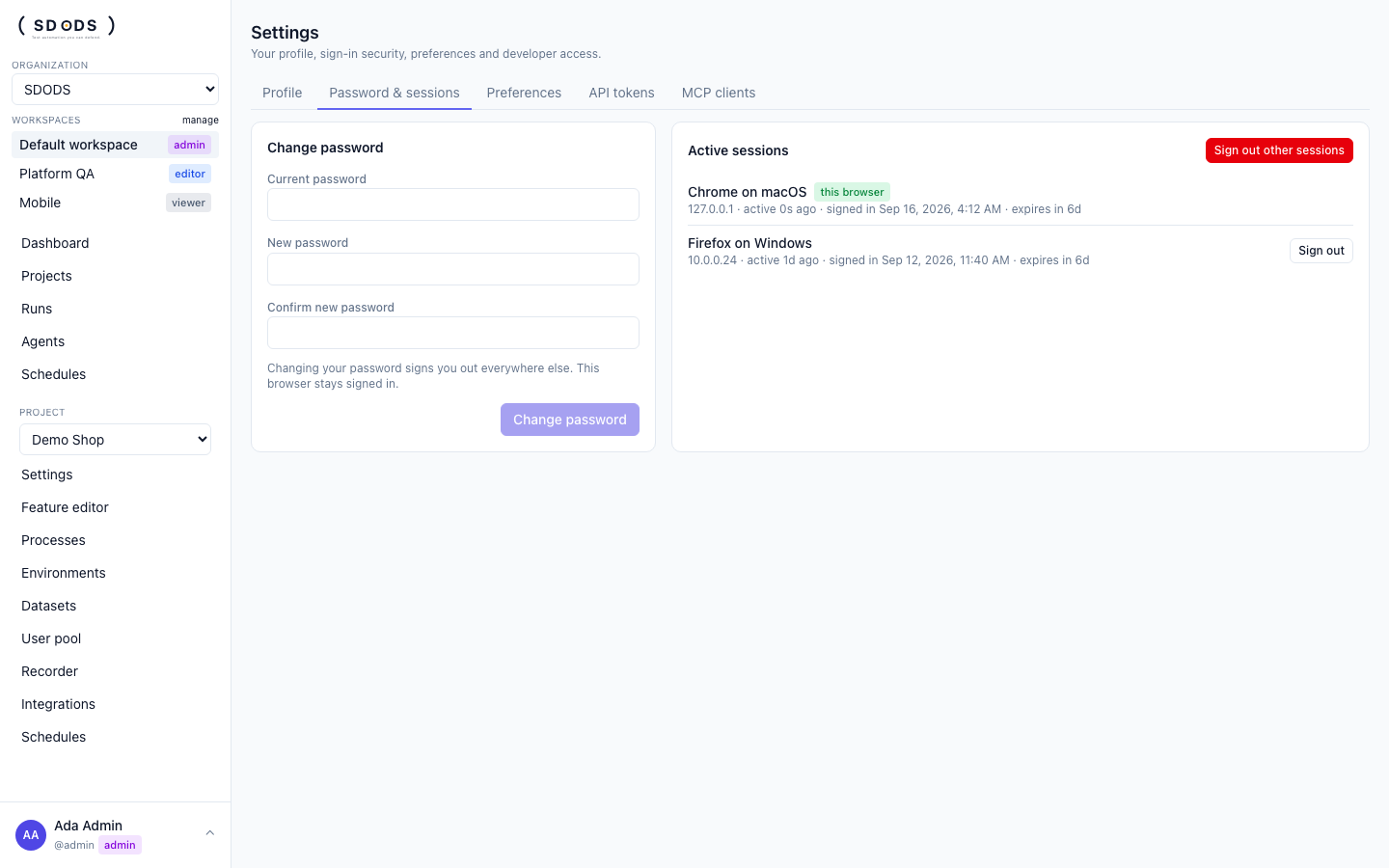
Changing your password signs you out of every other browser; the one you are using stays signed in. These settings need a browser session: an API token cannot change a password or end sessions. With authentication turned off there is no account to edit, so the Profile and Password & sessions tabs are unavailable.
A platform role is changed by an admin on the Users page or with the CLI:
sdods users set-role <username> editorRoles
| Role | Can |
|---|---|
| viewer | read everything, download artifacts |
| editor | start and stop runs, edit features and datasets, run agents, accept proposals |
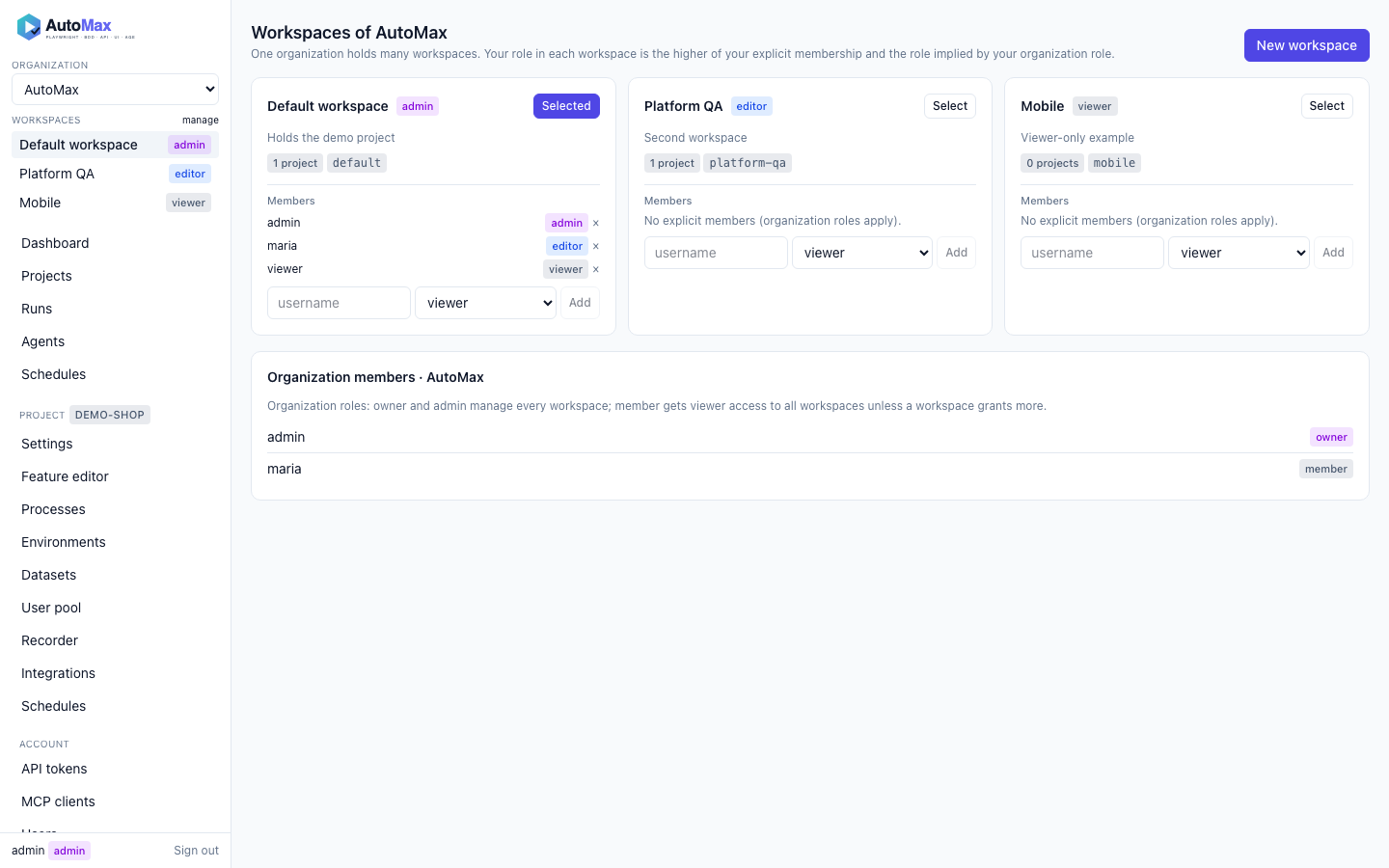
| admin | manage users, integrations, projects, tokens |
Roles are per workspace: a user's effective role is the stronger of the explicit workspace membership and the one implied by the organization membership (member → viewer, admin and owner → admin). Platform admins are admin everywhere.